Cargo Downloader can be set up on your Mac OS X (Intel) operating system using the Aspera installer, which is available on Aspera's website. Follow the instructions below to download and run the installer program.
-
Launch the installer and accept license agreement
After downloading, launch the Cargo Downloader installer and accept the license agreement by clicking the Agree button.

-
Copy Cargo Downloader to your Applications folder
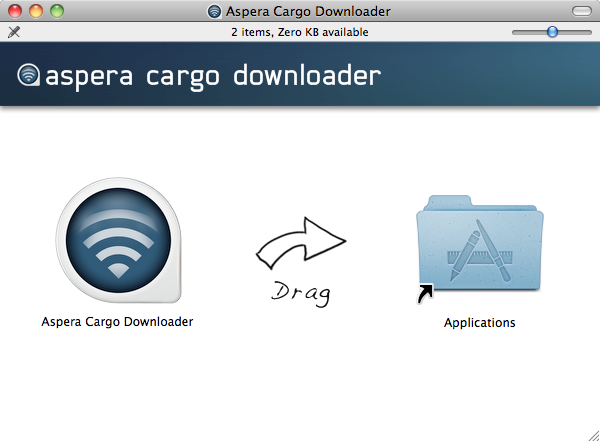
Within the pop-up window, drag the Aspera Cargo Downloader icon over to the Applications icon.
-
Open the application
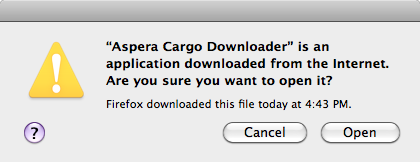
Once Cargo Downloader has been installed, you can launch it by going to . Note that a security prompt will appear, asking if you'd like to open an application downloaded from the Internet. Click Open to continue.