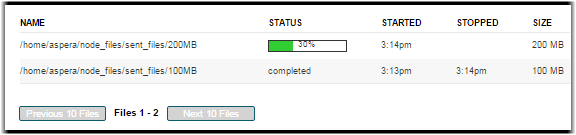
Transfer Details
Overview
Details about a particular transfer can be accessed by clicking on a transfer shown in listings of past, current, and scheduled transfers. These lists can be found in three locations:- The Activity Overview page
- The Console Dashboard
- The Managed Node Detail page (the specific node from Nodes in the Console menu)
Ongoing Transfers
For an ongoing transfer, the Session Detail page provides the transfer monitor that displays current transfer status. You can control the transfer through the options shown at the top of the graph.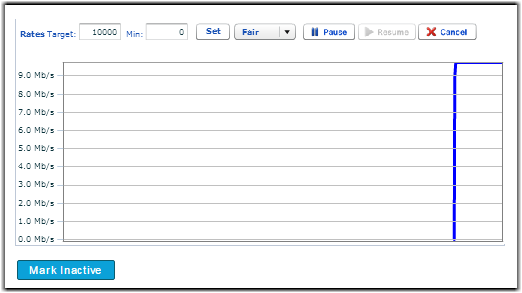
Important: The failed files counter may count "directories" if the network failed
at some point or the user cancelled the transfer.
Finished or Failed Transfers
For a finished or failed transfer, the Session Detail page provides detailed information about the transfer's state, endpoints, and statistics.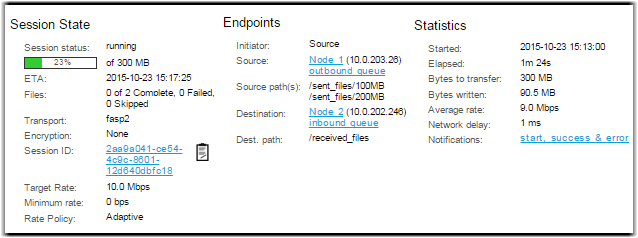
Note: When
searching for files, "*" is not a wildcard. Any string you enter is treated as a "search
within". In other words, the string "foo" will match "123foo", "foo456", and "123foo456".