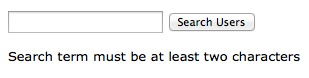
Within a Node, Share or your Accounts list (i.e. directories, groups and users), you can perform a keyword search.
Simple and Advanced Search for Shares and Nodes
Select a share or a node on your Home page, and then within the Name: box, input a keyword for your search. You can also enable/disable the Search sub-folders option. Note that Shares appends any keyword that you enter with *. Thus, if you enter the keyword "Dec", then the search will actually be performed as "*Dec*"and Shares will return any string that contains this word.
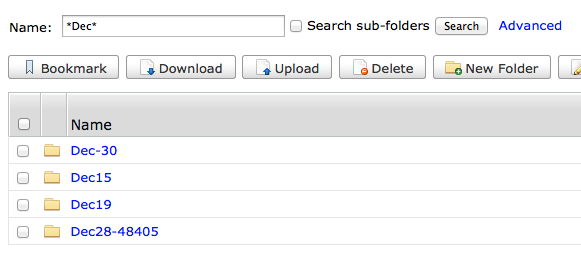
To perform a keyword search and limit the number of results, use Advanced search. You can set the following filters:
- Size (minimum and/or maxiumum values). You can include the unit of measure as bytes, MB or GB.
- Last Modified (from date and/or to date). Select a date from the pop-up calendar.