After clicking the Send button, Microsoft Outlook will connect to your configured Faspex Server and will attempt to transfer your package. As the package is transferring, the Transfers window will appear (you may also go to ).
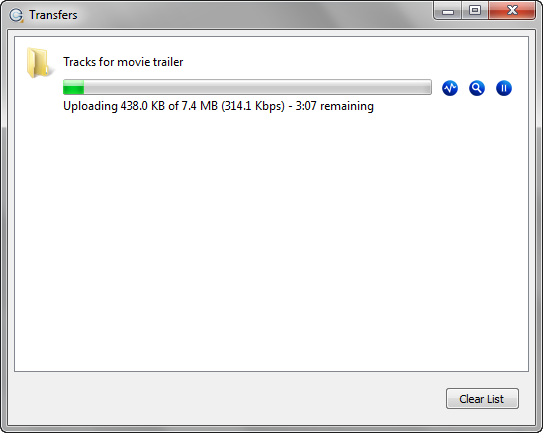
The Transfers window contains the following items:
 Open the Transfer Monitor.
 Reveal the file on your computer.
 Pause the transfer session (note that this icon appears after the transfer
has started).
Pause the transfer session (note that this icon appears after the transfer
has started). Resume paused transfer.
 Resume the canceled transfer.
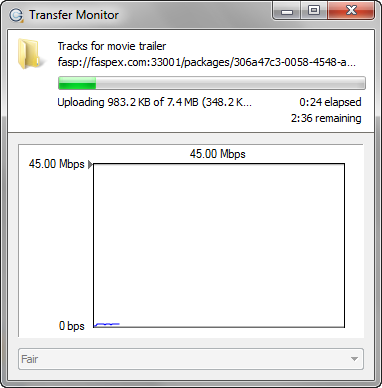
After clicking the Transfer Monitor button (), a
detailed view of the transfer progress will appear, along with a line graph representing
the transfer speed over time.