When you browse a share, you see all files and directories within that share.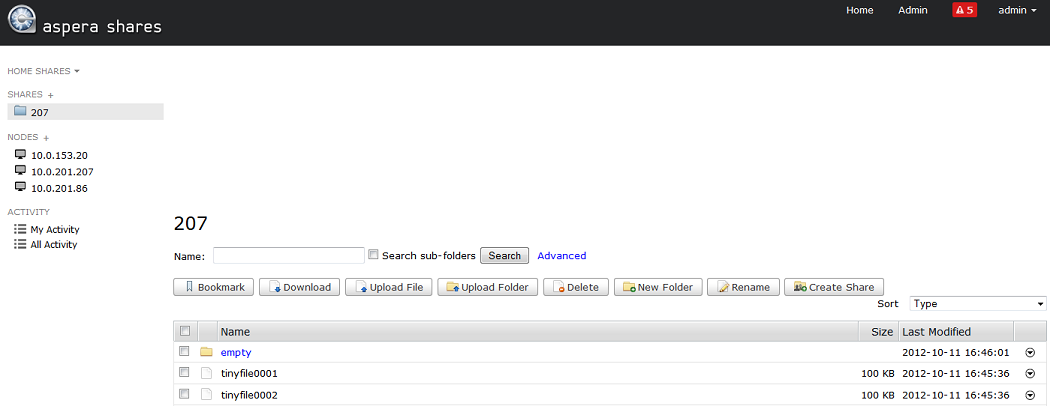
You can also search for a directory name and sort the directory list. You can perform
following actions on a directory or directories:
| Action | Description |
|---|---|
| Bookmark | Create a shortcut to the selected directory. If you do not select any directory, the bookmark is the node's root directory. |
| Download | Download the selected directory or directories using the Aspera® Connect™ browser plugin. |
| Upload | Upload a file or folder from another machine to this node using the Aspera Connect browser plugin. |
| Delete | Delete the selected directory or directories. |
| New Folder | Create a new directory on the node. |
| Rename | Rename an existing directory on the node. |
| Create Share | Create a share for the selected directory. You can only select one directory at a time. Click Create Share to open the New Share dialog. This dialog is prepopulated with the node and directory information. To complete the other fields, see Adding Nodes. |