The Dashboard Assets Status View is accessed at Dashboard > Asset Ingest Status.
It reflects the status of each step in the package receiving and ingest process.
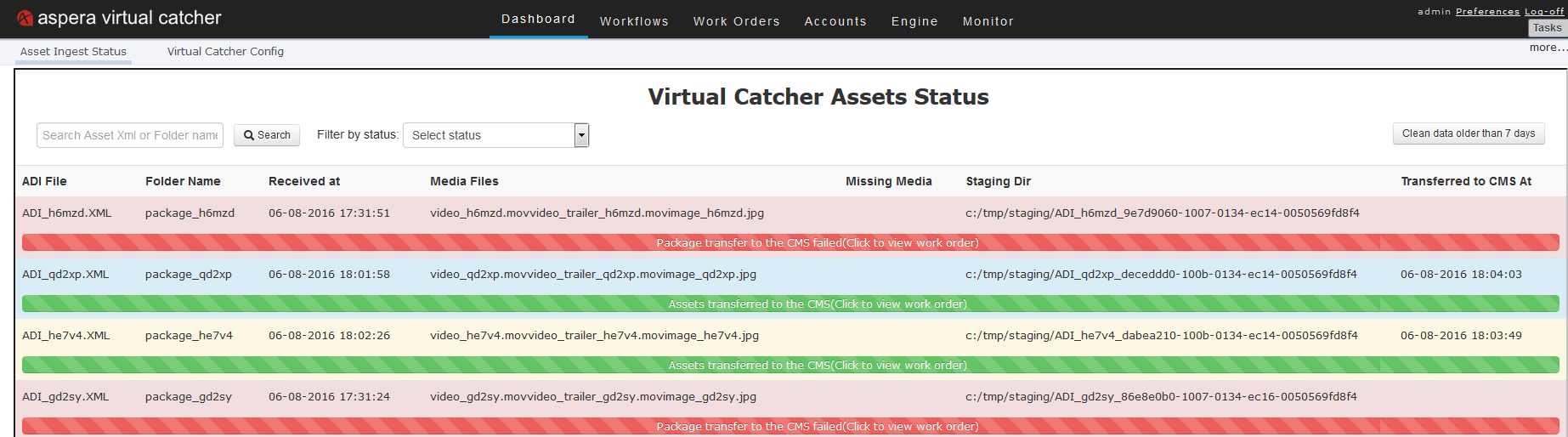
The status display includes the following information:
- Name of the ADI XML file
- Name of the folder that contains the files received
- Date and time received
- Media files
- Any missing media
- Location of the file staging directory
- Time the files were transferred to the CMS
- Success or failure of the transfer to the CMS
To locate a particular asset or folder, type the asset name (or a shorter string contained in the name) in the Search Asset XML or Folder name field and click Search.
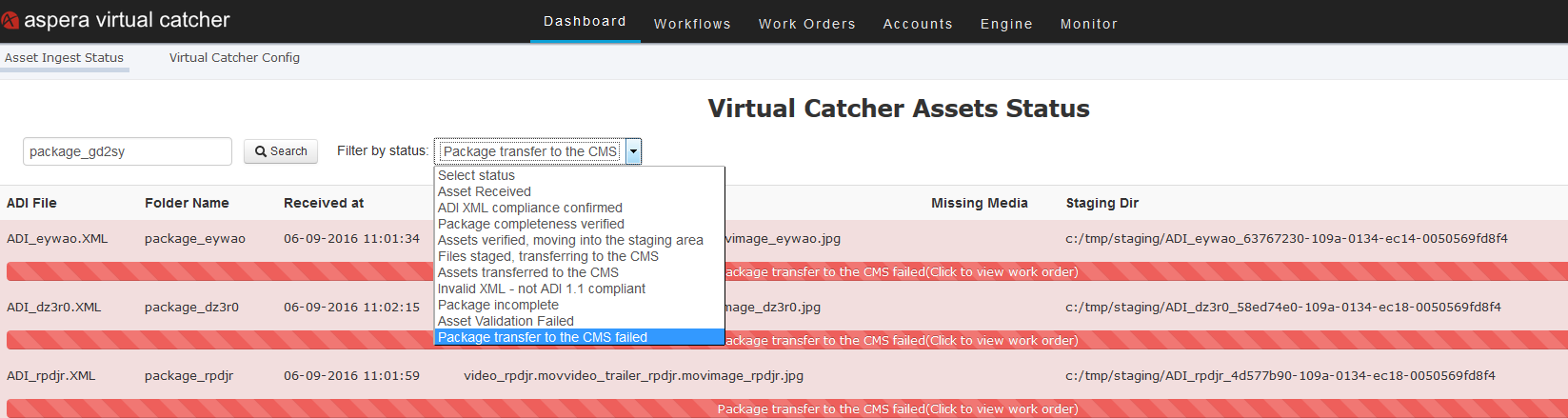
To sort assets by status (those with failed transfer status, for example), select an
option from the Select status dropdown menu. For example, you
can sort for failed tranfers, as in the following example: