Update your product license.
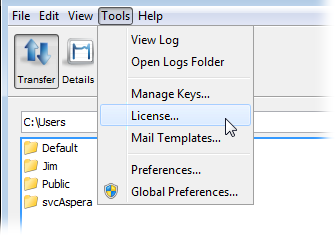
To update the license key, launch the application (Start Menu > All Programs > Aspera > Enterprise Server > Enterprise Server ) and click Tools > License to open the License window.
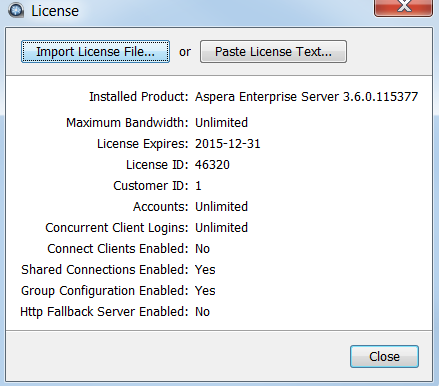
You can either click the Import License File and select the license file, or click Paste License Text to paste the copied content of the license file. When finished, the license information will appear in the window. Verify that it is correct and click Close.
If you are using the Node API, you must reload the asperanoded service.
> asnodeadmin.exe --reload