Log Files
The log file includes detailed transfer information and can be useful for review and support requests.
To view the application log, go to .
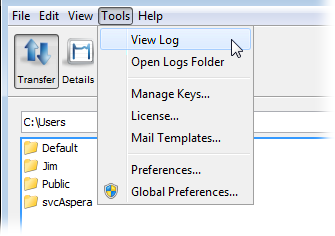
To review logs of other components, click Open Logs Folder to open the folder that contains transfer logs:
C:\Program Files\Aspera\Client\var\logThe following files are available in the log folder. Older logs are stored with the same filename, appended with incremental numbers (e.g. ascmd.0.log).
| File name | Contents |
|---|---|
| ascmd.log | File browsing and manipulation in the GUI |
| aspera-scp-transfer.log | FASP transfer events |
| asperasync.log | Hot Folder events |
| async.log | Sync events |
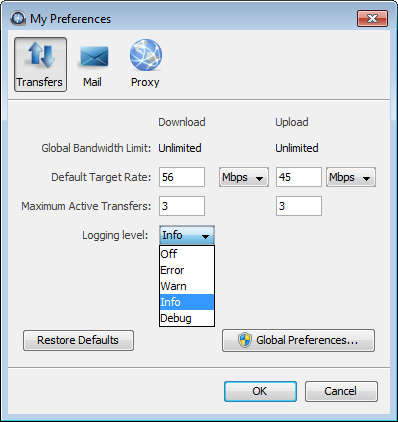
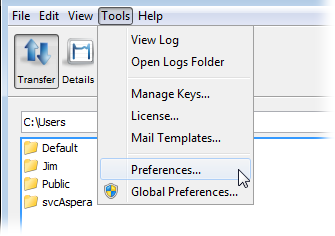
To set the logging level for transfers, open the My Preferences dialog by clicking Tools > Preferences or by clicking Preferences in the upper-right corner of the application window.
The five logging levels to select from are: Off, Error, Warn, Info, and Debug. The system default is Info.