Updating the Product License
-
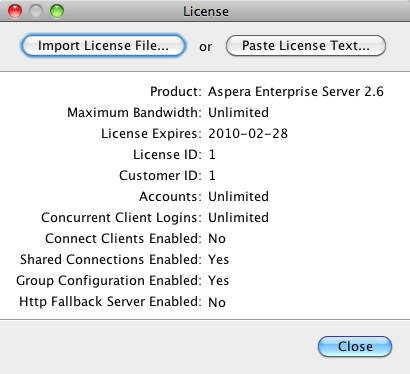
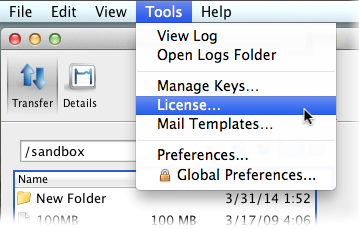
Click Tools > License to open the license window.
-
Import the license file.
You can either click the Import License File and select the license file, or click Paste License Text to paste the copied content of the license file. Verify that the license information that appears is correct and click Close.