Configure Console's email notifications.
The Email Notification Options configuration page lets you specify a default time zone and specify a cutoff time for delivering older emails. To access the page, select .
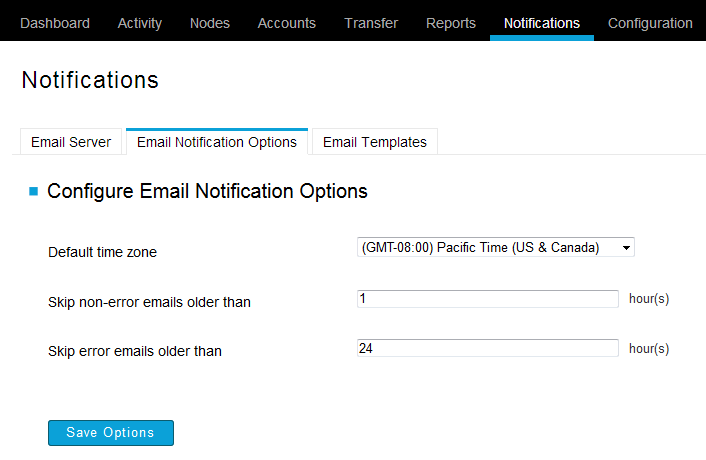
The following configuration options are available on this page:
| Options | Description |
|---|---|
| Default time zone | Select the timezone that you would like Console's email notifications to be based upon. The date and time will appear based on the timezone you select. |
| Skip non-error emails older than | If transfer-start or transfer-success notifications are not sent after the specified amount of time, then ignore them. |
| Skip error emails older than | If the transfer-error notifications are not sent after the specified amount of time, ignore them. |