-
On the login screen, enter your admin name and password.
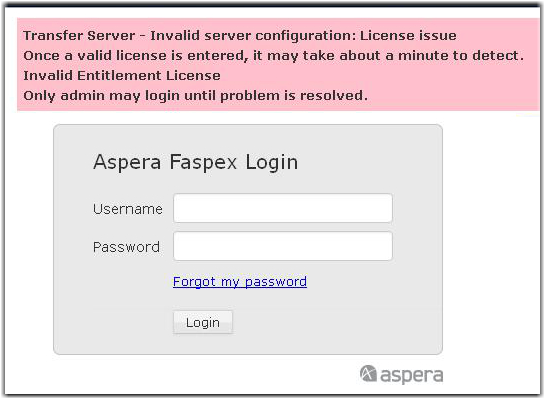
If you don't remember your password, select the Forgot my password link from the login page. If you enter your password incorrectly too many times, you will be locked out of your account. If the feature is enabled, Faspex will send you a password reset email. Once you reset your password, you can log into your account again. If you do not receive an email, contact your administrator to reactivate your account. -
Update your account information.
Once you are logged in and Faspex On Demand is enabled with a valid entitlement, click the Account link and update your user account information.
For additional information, see Configure Personal Account Preferences.