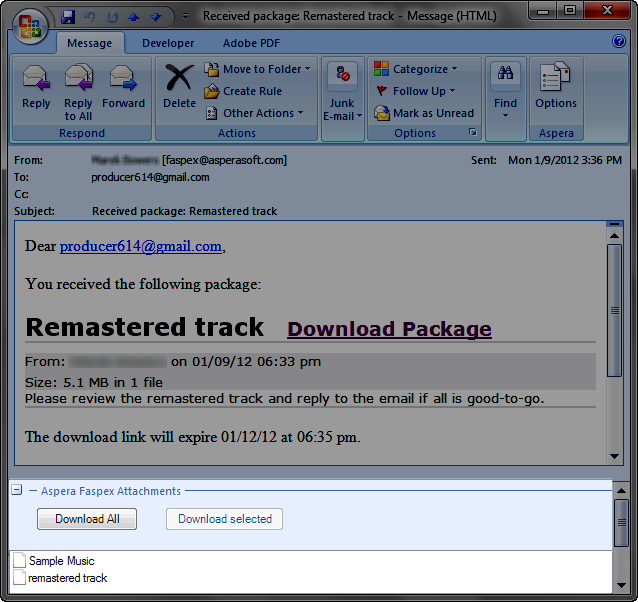
This topic demonstrates the process for receiving Faspex packages email using the Aspera Add-in for Microsoft Outlook. Once you click the Outlook Send/Receive button, emails will be downloaded from your server. You have two options for retrieving Faspex packages that are attached to emails:
- Access them on your organization's Faspex website.
- Download them from your Outlook email.
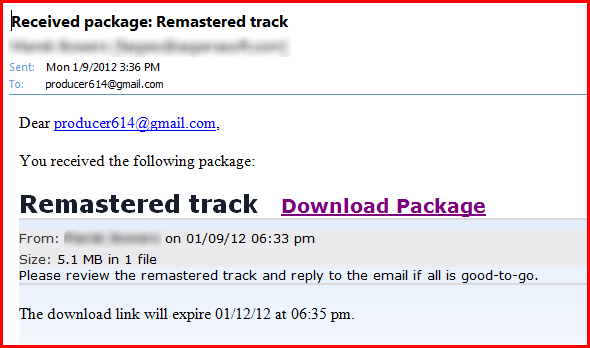
In the example below, you can click the Download Package link to navigate to your organization's Faspex website and download your package from the Internet.
Alternatively, if you open the email message within Outlook (by double-clicking it), you can save the package attachment to your computer. The default download location is designated in the Aspera Add-in's Settings. Please review the topic, "Settings" for additional information.